Choosing a resin printer and which resin you need
For miniatures and fine detail: how to choose a resin printer and the resin that goes with it, and how to work with it safely.
Popular picks from this guide
-
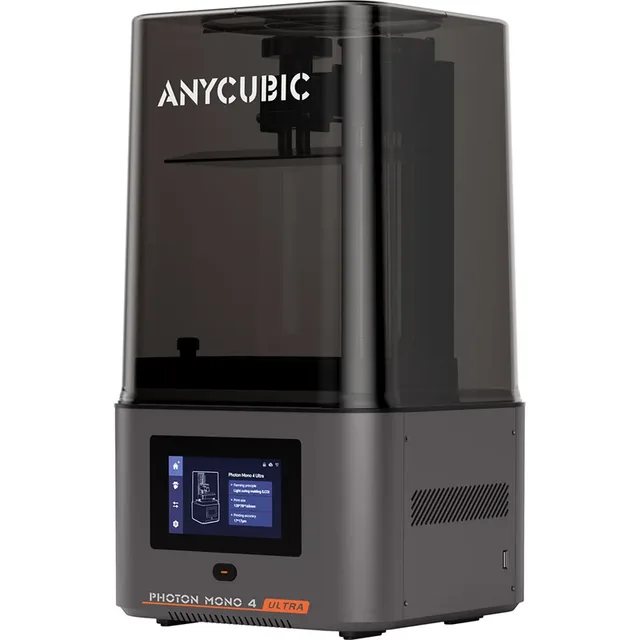
Anycubic Photon Mono 4 Ultra 10K resin 3D printer, 7" LCD, 120mm/hGo to Joybuy
From €279 · at 4 shops
Lowest in 90 days
- Go to Bol.com
-
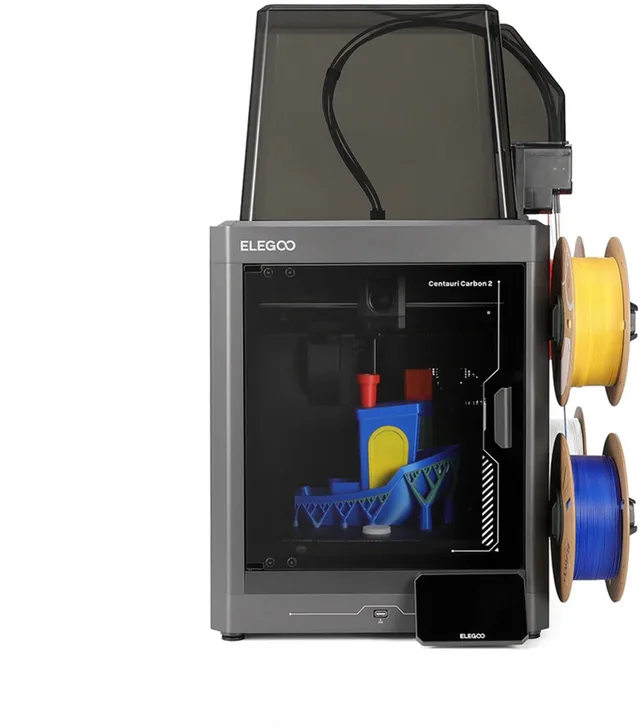
Elegoo Centauri Carbon 2 3D printer high speed 500-600mm/s multicolour, CoreXY, enclosed housing, auto levelling, WiFiGo to Bol.com
From €401 · at 3 shops
Lowest in 90 days
Popular products at today's lowest price. Compare every shop on the product page.
Short answer: A resin printer (MSLA/LCD) is the choice when you want to print small objects with a lot of detail, such as miniatures and jewellery. Look at the build volume and the pixel size of the screen, and pick the resin for what you will do with it: standard for most models, ABS-like or tough for stronger parts, water-washable if you would rather not use isopropyl alcohol. Plan for washing, post-curing and safe working.
This guide goes deeper into resin. If you first want to know whether you need a resin printer at all or whether FDM suits you better, read choosing a 3D printer. Nozzla does not test printers or resins; the facts come from what manufacturers state.
When to choose resin instead of filament
An FDM printer melts filament and lays it down layer by layer. An MSLA resin printer shines UV light through an LCD screen and so cures a whole layer of liquid resin at once. That makes fine detail and smooth surfaces easier to get. Resin suits miniatures for tabletop games, jewellery, dental or scale-model parts and other small objects.
FDM is handier for larger objects, functional parts and when you want little post-processing. A resin print has to be washed and post-cured, and the resin calls for care.

Resin printers
- Elegoo
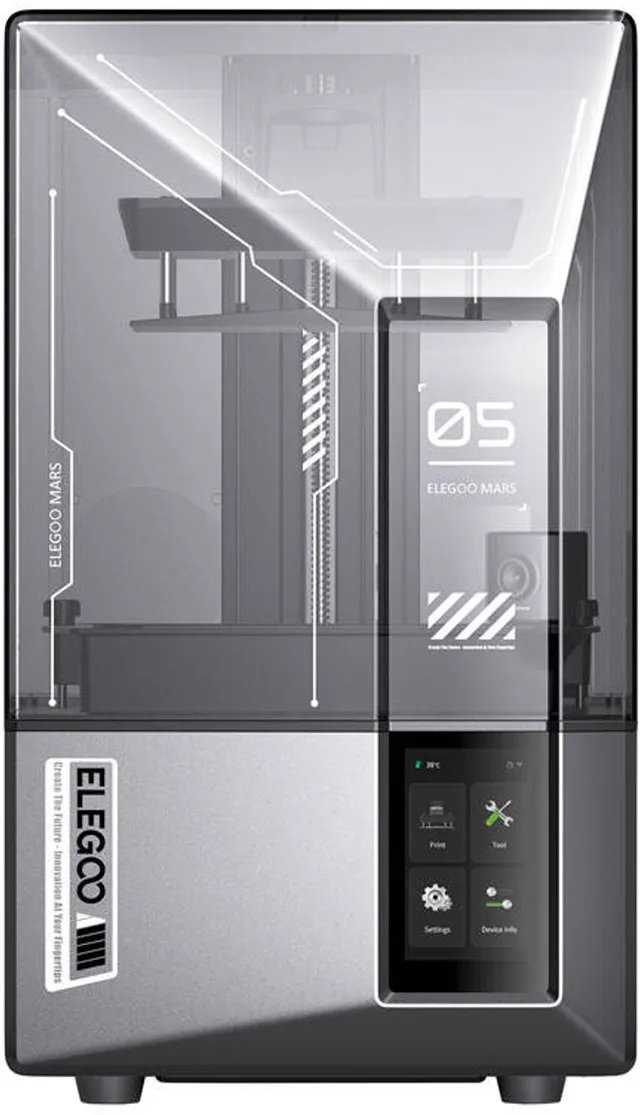
Mars 5 Ultra Resin 3D Printer
9K Mono LCD 8520x4320 · 150mm/h9K153 × 78 × 165 mmFrom €293 · at 2 shops
- Elegoo
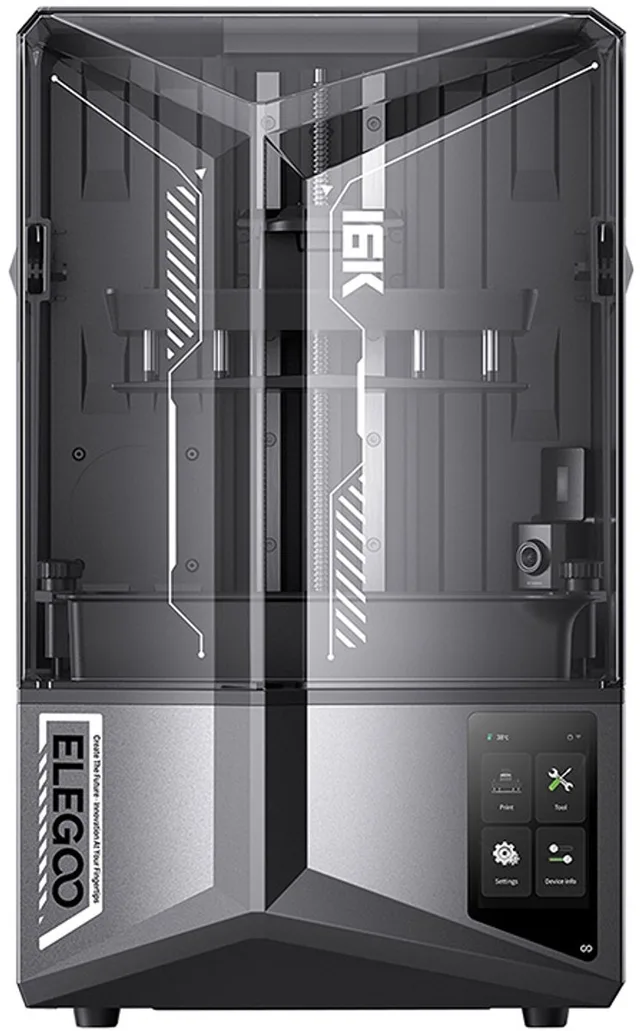
Saturn 4 Ultra 16K Resin 3D Printer
10" Mono LCD 14112x7936 · 150mm/h16K211 × 118 × 220 mmFrom €437.87 · at 2 shops
- Anycubic
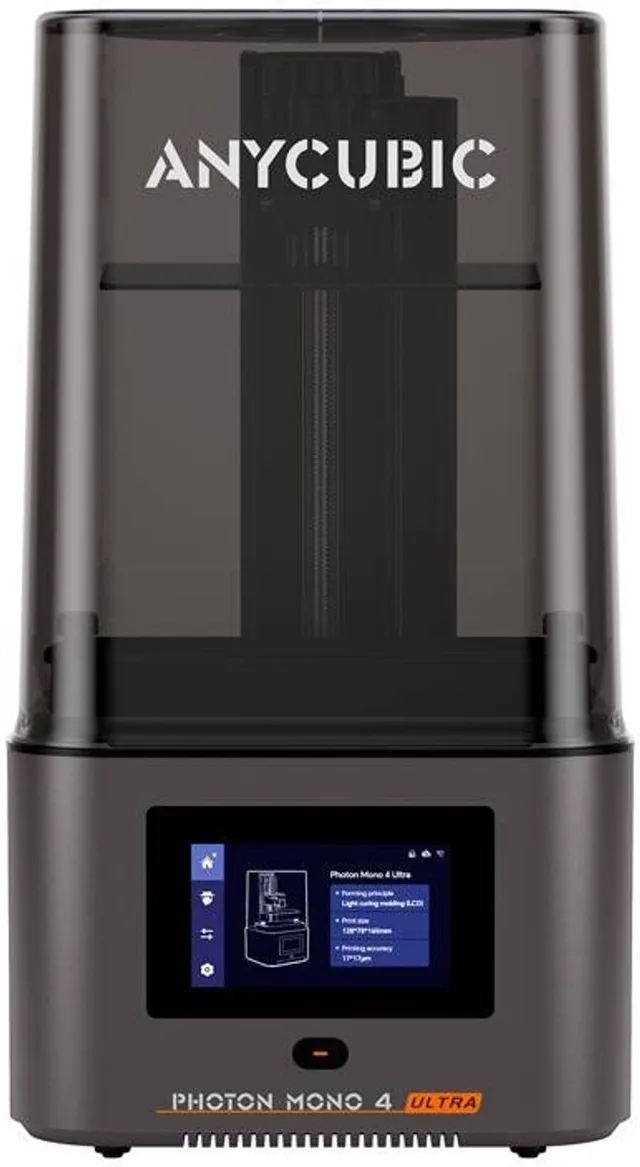
Photon Mono 4 Ultra 10K resin 3D printer, 7" LCD, 120mm/h
10KFrom €279 · at 4 shops
Lowest in 90 days
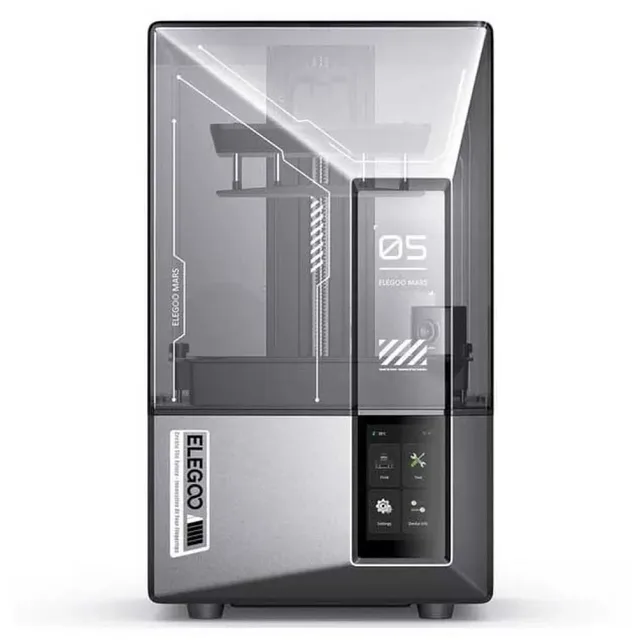
Build volume and screen resolution
The build volume sets how big an object can be. The Elegoo Mars 5 Ultra states 153 × 78 × 165 mm and the Elegoo Saturn 4 Ultra 16K 211 × 118 × 220 mm. A large format such as the Elegoo Jupiter 2 (302 × 162 × 300 mm according to the product name) takes more space, more resin and more time per print.
The screen resolution is in the name: 9K, 12K or 16K. What matters is the pixel size in the XY plane: the smaller the pixel, the finer the detail. For the Photon Mono 4 Ultra (10K, 9024 × 5120 pixels) Anycubic states an XY resolution of 17 × 17 µm. The K figure only says how many pixels the screen has; on a larger screen those pixels are larger too. A higher K therefore does not always mean a finer print: look at the stated µm value and at the format.
Layer height (for example 0.02 to 0.15 mm on the Photon Mono 4 Ultra) sets the resolution in height. For miniatures a small pixel is usually more important than a large format.
Large build volume
- Elegoo
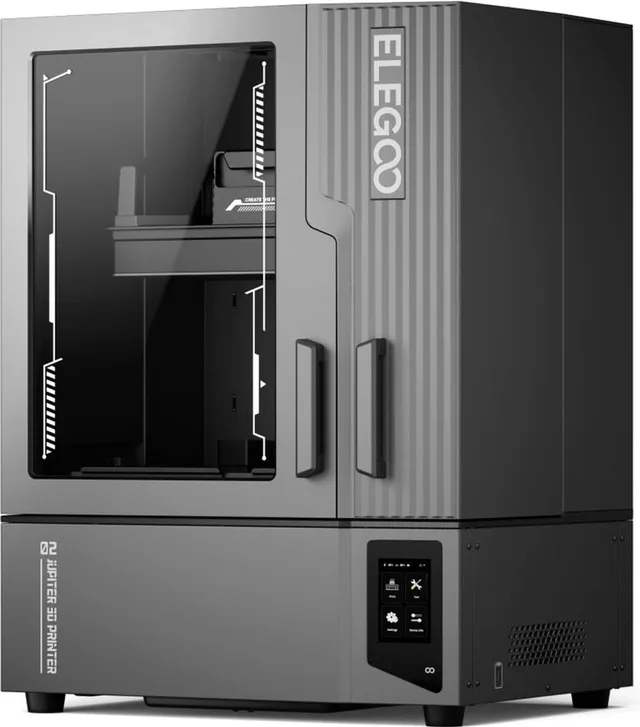
Jupiter 2 Resin 3D Printer Large Format
16K 302x162x300mm16K302 × 162 × 300 mmFrom €821 · at 2 shops
Lowest in 90 days
- Anycubic
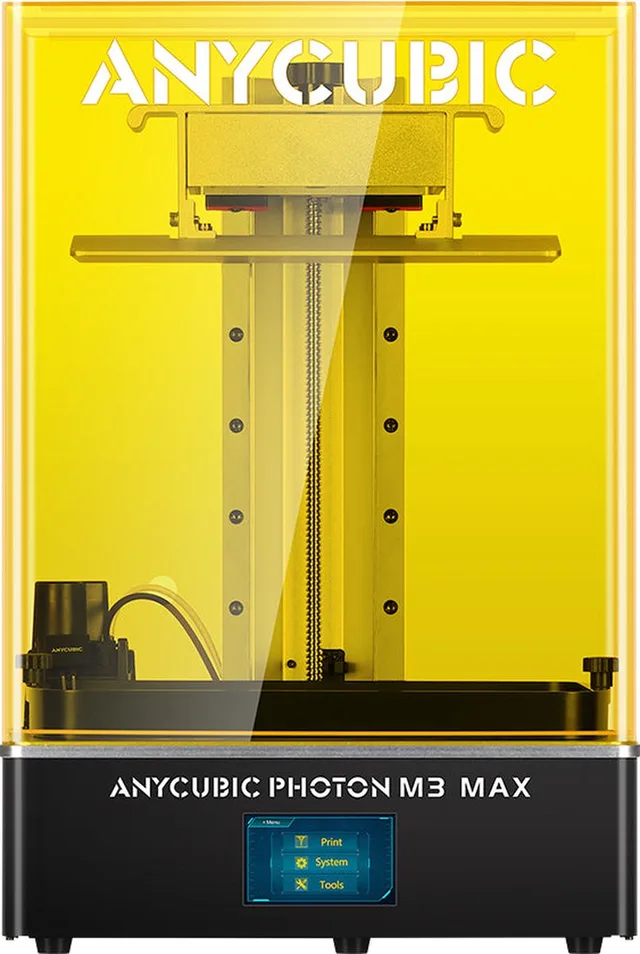
Photon M3 Max
€777 · at 1 shop
- Creality
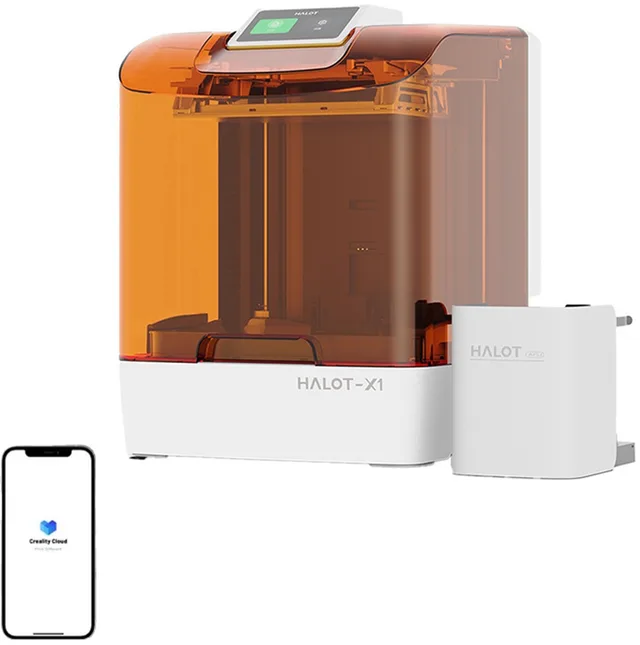
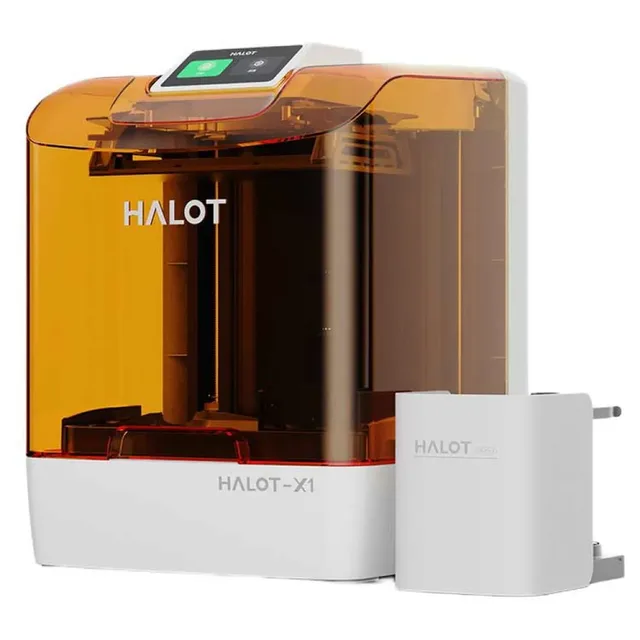
HALOT-X1 COMBO 16K Resin 3D Printer
10.1" Mono LCD · 170mm/h · Pre-Leveled16KFrom €521.98 · at 2 shops
Lowest in 90 days
Which resin to choose
Resin comes in several types. Always check that the resin suits your type of printer: most manufacturers mention 405 nm UV light and LCD/MSLA printers.
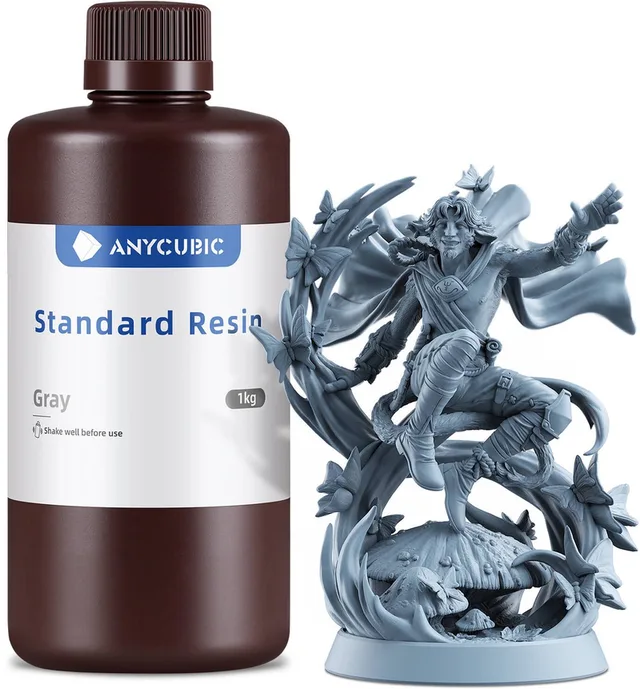
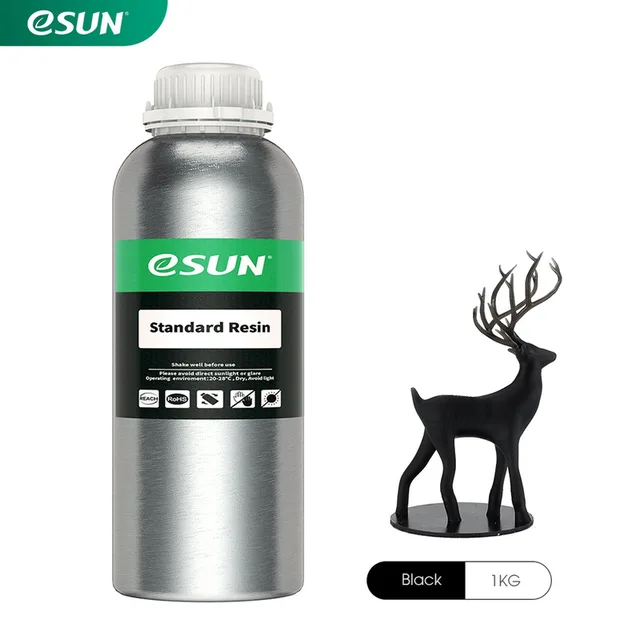
- Standard resin is the all-round choice for miniatures and models. Manufacturers offer it in several colours, such as grey, black or clear.
- ABS-like resin is meant for stronger, less brittle parts. For its ABS-Like Resin Pro 2 Anycubic states an elongation at break of 35 to 40 percent, washing in 95 percent isopropyl alcohol for at least 3 minutes and curing for 3 minutes under 405 nm UV light.
- Water-washable resin is rinsed clean with water instead of isopropyl alcohol. Elegoo says you can rinse prints under water without harsh chemicals. That makes cleaning easier, but the resin still irritates and the rinse water does not belong down the drain: follow what the manufacturer and the safety data sheet say.
- Tough or flexible resin, such as eSun's Hard Tough Resin, is for parts that must take an impact or a bend.
- Low-odour resin, such as the Creality PioCreat Low Odor. Low odour does not mean you can skip ventilation.
- Resin for 8K screens and higher: some manufacturers sell resin they call suitable for high-resolution screens. Read the exposure times the manufacturer gives for that resin and your printer; they differ per resin.
Does a resin fit your printer? Anycubic writes that its ABS-like resin works with all LCD/DLP printers that cure at 405 nm. Elegoo calls its water-washable resin suitable for the Mars, Saturn and Jupiter series.
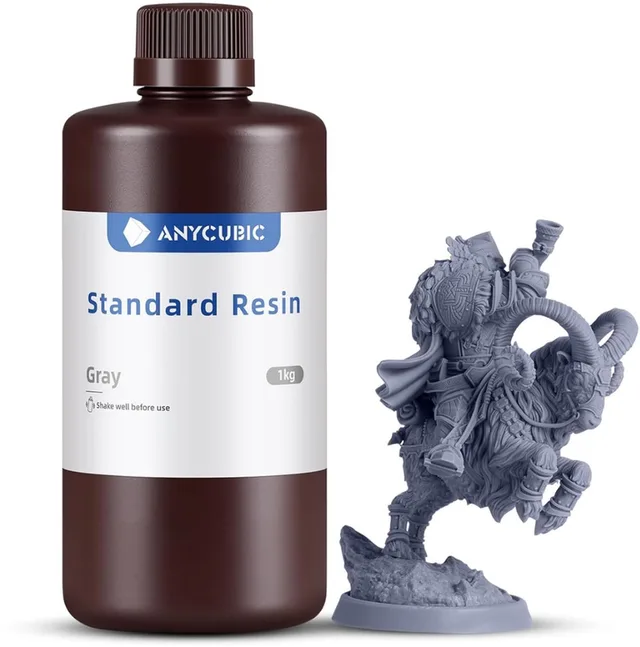
Standard resin
- Anycubic
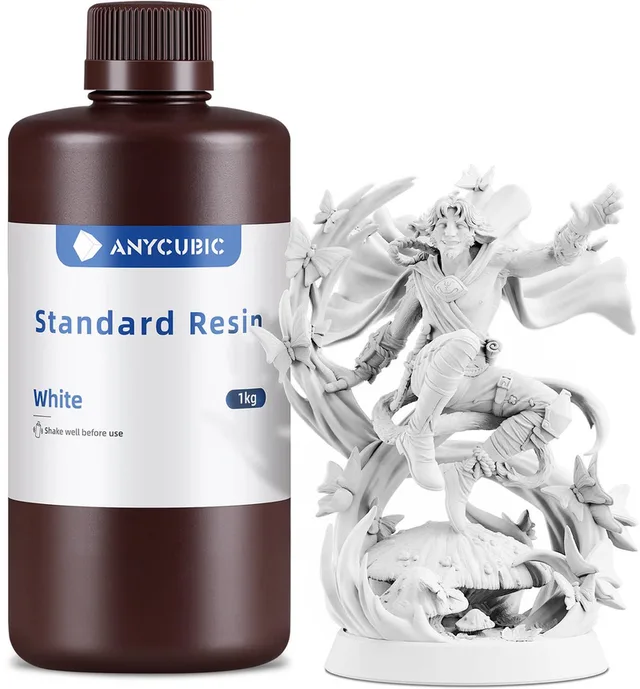
Standard Resin
1 kgFrom €19.95 · at 1 shop
- eSun
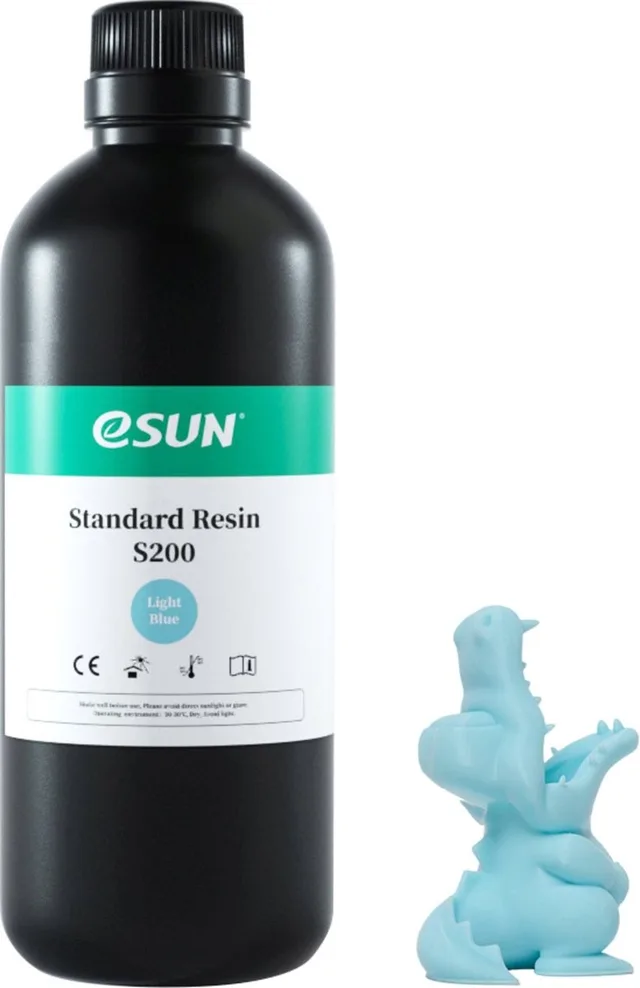
eResin Standard Resin
1 kg€17.95 · at 1 shop
- Creality
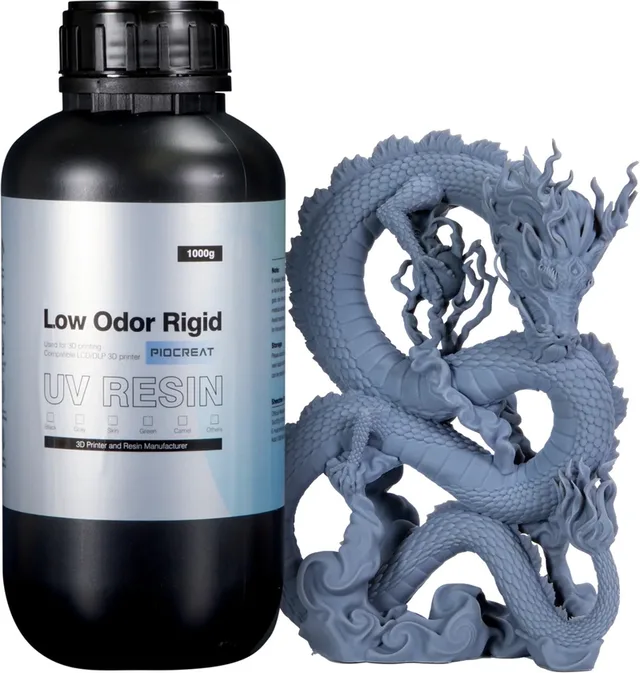
PioCreat UV Resin
Low Odor Rigid Resin1 kg€18.95 · at 1 shop
Strong, tough and washable resin
- Anycubic
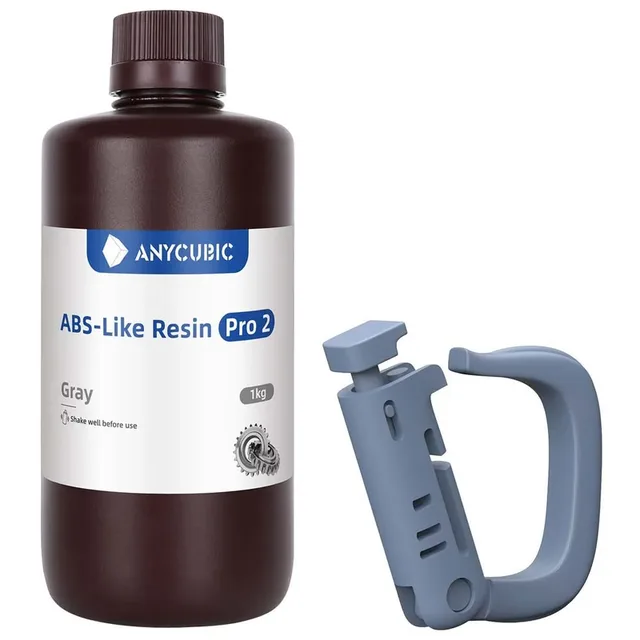
Abs-like Pro 2 Abs-achtige Uv-hars
€23.98 · at 1 shop
- eSun
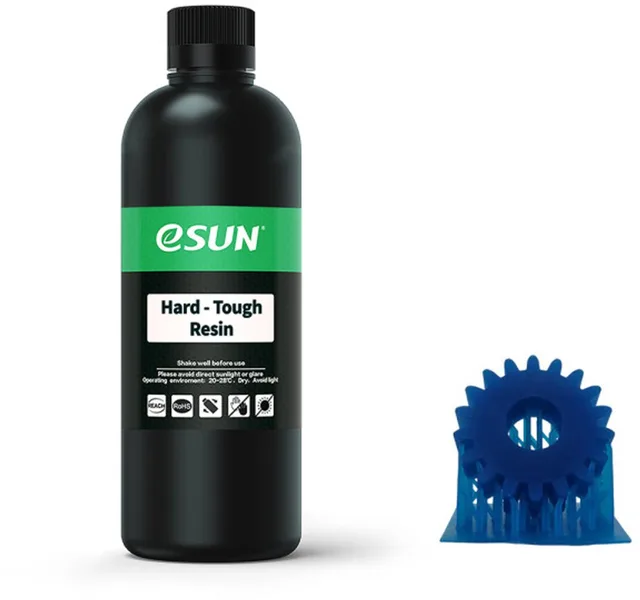
eResin Hard-Tough Resin, Blue
1 kg€49.50 · at 1 shop
- Anycubic
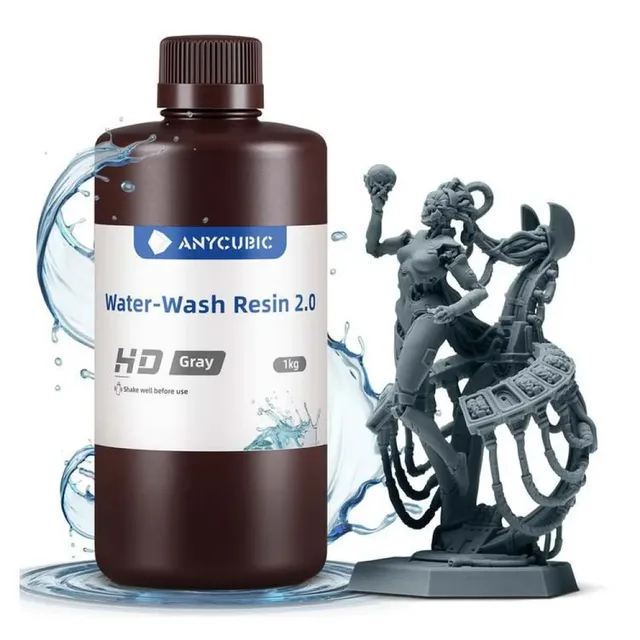
Ssx2hg-101a Waterwasbare Uv-hars
1 kg€14.98 · at 1 shop
Washing and post-curing
A resin print comes out of the printer wet. First wash off the uncured resin, then dry and post-cure under UV light. With ordinary resin you wash with isopropyl alcohol (IPA); with water-washable resin, with water. For its ABS-like resin Anycubic states at least 3 minutes of washing in 95 percent IPA and 3 minutes of curing under 405 nm. Keep to the times of the resin you buy.
A wash and cure station makes this easier, but manufacturers give the times in the manual or on the resin page; a container of IPA and a 405 nm UV lamp also works.
Safety and ventilation
Uncured resin irritates the skin and smells strongly. Manufacturers advise wearing nitrile gloves, working in a ventilated room and handling resin and waste as the safety data sheet says. Anycubic writes that cured resin can be treated as plastic waste; uncured resin is another matter. Do not pour resin down the drain. Keep resin and isopropyl alcohol out of reach of children and pets.
FEP and release film
At the bottom of the resin vat is a thin film, the FEP or release film, which the UV light shines through and which the print peels away from. It wears: scratches, stains or dents cause failed prints. For the Photon Mono 4 Ultra Anycubic mentions a new generation of release film and a feature that tracks its lifespan. When you compare printers, check whether replacement film is available and how easy it is to swap.
Comparing prices on Nozzla
Prices differ per shop and change. On resin printers and resin you compare the same version at several shops. Check what is in the box: sometimes resin or a wash station is included, sometimes not. Many resin printers come from Elegoo, Anycubic and Creality.
Frequently asked questions
Which resin printer should I buy?
That depends on what you print. For miniatures look at the pixel size (µm) of the screen, and for larger objects at the build volume. Compare the same version at several shops on the resin printers page.
Which resin do I need?
Standard resin suits most models. Choose ABS-like or tough resin for stronger parts and water-washable resin if you want to wash with water. Check that the resin cures at 405 nm and suits your printer.
Can I use resin from another brand?
Often yes: many manufacturers call their resin suitable for all 405 nm LCD/DLP printers. Follow the resin manufacturer's recommendations.
Do I need gloves and ventilation?
Yes. Manufacturers advise nitrile gloves and a ventilated room. Read the safety data sheet of the resin.
Keep looking
Nozzla doesn’t test machines itself. This guide sets out what manufacturers state.
More buying guides
- Which 3D printer should you choose? FDM or resin, large or compact, open or enclosed, one colour or several: how to choose a 3D printer that fits what you want to make. Read the guide
- Laser cutter or engraver: how many watts do you need? Diode, CO2 or fiber, and what the number in watts really says: how to choose a laser cutter or engraver, and how to work with it safely. Read the guide