Laser cutter or engraver: how many watts do you need?
Diode, CO2 or fiber, and what the number in watts really says: how to choose a laser cutter or engraver, and how to work with it safely.
Short answer: For wood, leather, cardboard and dark acrylic on a workbench, a diode laser with 10 to 20 W of optical power is a common choice. Look at the optical power, not the number on the box, and pick a working area that fits the biggest sheet you use. To cut clear acrylic you need a CO2 laser, and to mark bare metal a fiber or infrared laser. A laser is not a toy: laser eyewear, extraction and supervision come with it.
A laser burns or melts material away with a very narrow beam of light. Cutting means going all the way through, engraving means taking away a bit of the surface. How many watts you need depends on what you want to cut or engrave and how fast you want it done. Nozzla does not test lasers; the facts come from what manufacturers state.
Diode, CO2 or fiber
There are three kinds you meet for work at home. They differ in wavelength, and that decides which material the laser can handle.
- Diode laser. The beam is blue (about 450 nm). This is the cheapest and most compact kind, and so the usual choice for hobby and small workshops. Wood, plywood, cardboard, paper, leather and dark plastics go well. Clear or blue acrylic lets the light through, so it does not cut that. It does not mark bare metal.
- CO2 laser. The light is infrared (10.6 µm) and comes from a glass tube or a metal source. It also cuts clear acrylic and many other materials, and leaves a clean edge. It is bigger, more expensive and glass tubes often need water cooling.
- Fiber laser. The light is infrared (1064 nm) and metal absorbs it well. With it you engrave and mark bare metal. A fiber laser is not meant for wood or acrylic. Cutting metal takes far more power than home machines have.
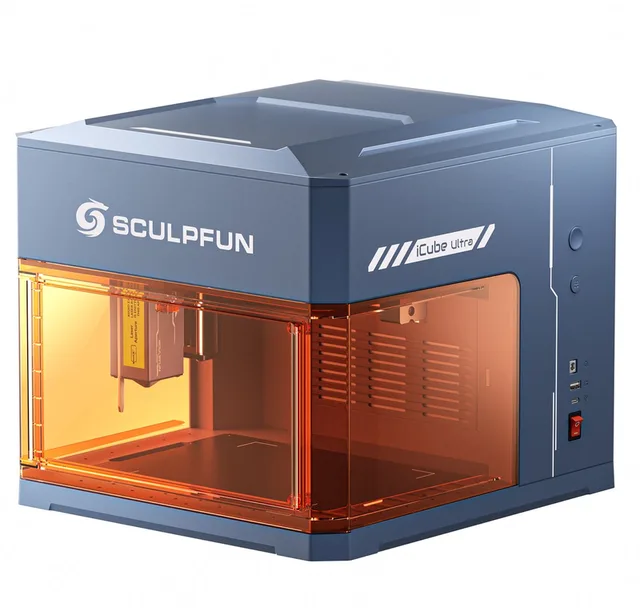
A mix exists too: a diode laser with a 1064 nm infrared module added, like the Sculpfun iCube Ultra Dual, the xTool F1 Ultra and the xTool F2 Ultra. The diode does wood and leather, the infrared module marks metal. Those modules are much weaker than the diode, so they engrave only and do not cut metal.
Diode lasers from 5 to 10 W
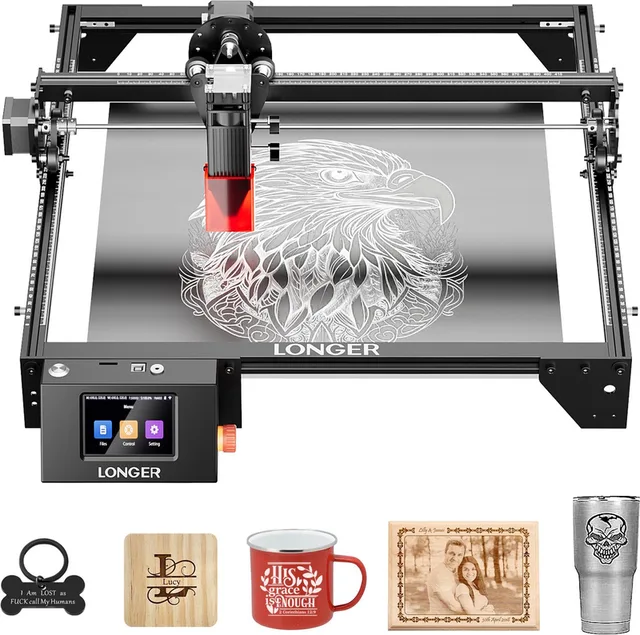
- Longer
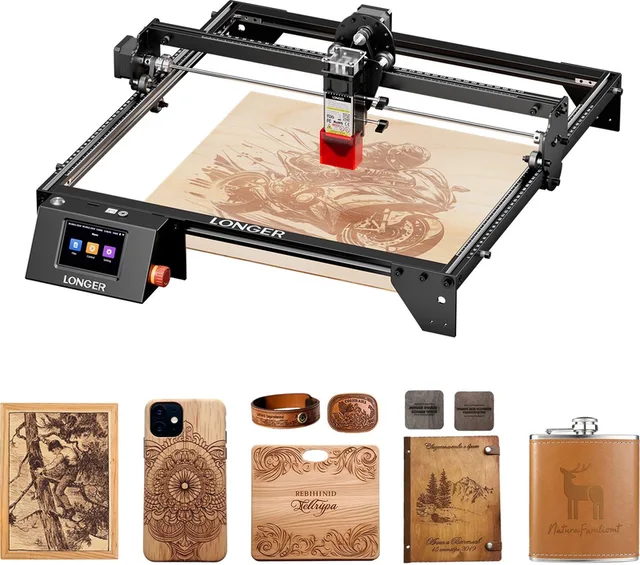
RAY5 5W Lasergraveermachine
400×400mm Werkgebied · CNC Laser Cutter met Touchscreen · Voor Hout, Acryl, Leer & DIY Projecten - Sculpfun
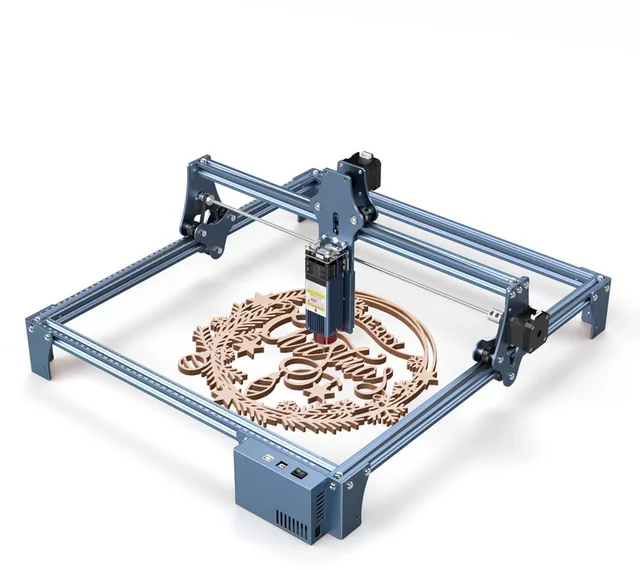
S9 Laser Graveermachine
Laser cutter · 410x420mm · Lasergraveerder · Hout Acryl Laser Snijmachine · Laser Engraver · 0.06mm Laser Focus · Snel te monteren ontwerp · Blauw - Longer
RAY5 10W lasergraveermachine
Lasersnijmachine · 400x400mm · Hout, Acryl, Leer & Bamboe · Touchscreen & Hoge Precisie
Diode plus infrared
What does the number of watts say?
The number in watts can mean three things, and shops and manufacturers mix them up.
The optical power is the strength of the laser beam itself. That is the number that counts for cutting and engraving. The electrical power is what the machine draws from the socket or power supply, and that is much higher. A laser with 10 W of optical power can have a number like 40 or 50 W on the box. So always look for the words optical power, optical output or laser output. If there is only a number in W, ask the manufacturer which one it is.
More optical power means faster engraving and cutting, and cutting through thicker material. As a rule of thumb, which depends on the material and settings:
- 5 W engraves wood, leather, paper and cardboard, and cuts thin material in several passes.
- 10 W cuts thin 3 mm plywood in a few passes and engraves briskly.
- 20 W and more cuts thicker wood faster and in fewer passes.
Manufacturers often state which thickness of wood or acrylic their laser cuts in how many passes. Look at that data, because the hardness and moisture of the material vary. A weaker laser can do a lot but takes longer, and every pass is extra time in which the material can catch fire.
More power
- Atomstack
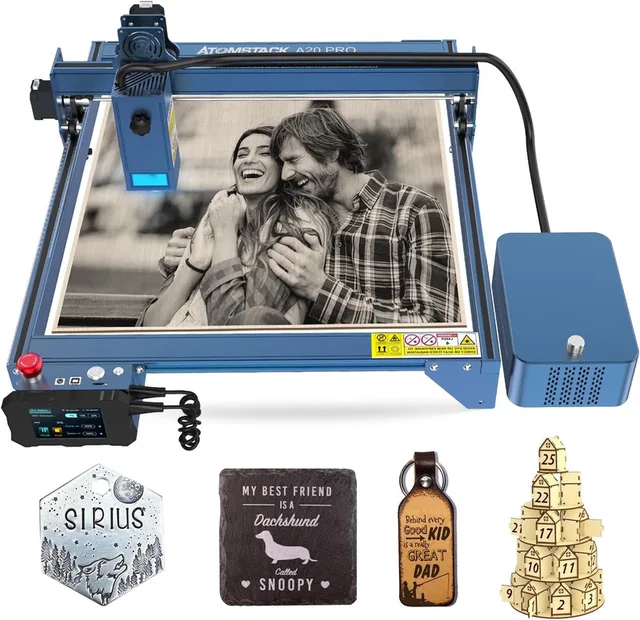
A20 Pro Lasergraveermachine
20W Optisch Vermogen · Lasergraveer- en Snijmachine · met F30 Pro Air Assist kit · Graveergebied 400x400mm · Laser Cutter · Laser Snijmachine · Lasergraveerder - Two Trees
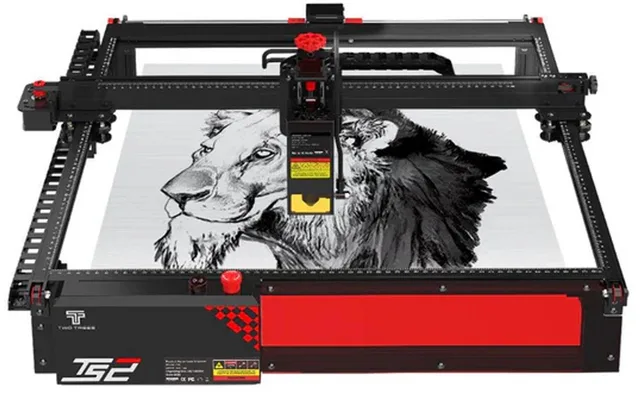
TS2 20W Lasergraveermachine
410×410 mm Werkgebied · Laser Cutter & Graveermachine voor Hout, Acryl, Leer · Air Assist · Compatibel met LightBurn - Creality
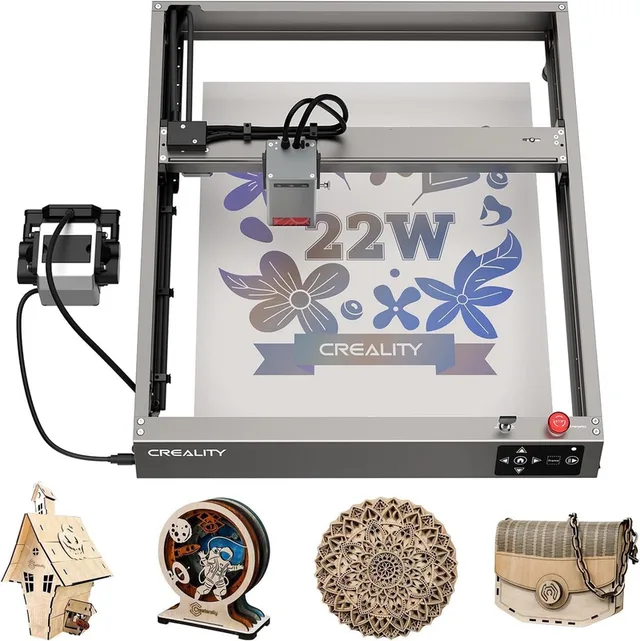
Falcon2 Laser Graveermachine
22W · 400x415mm · 25000 mm/min Snellere Gravering · with Air Assist · Graveer-en snijmachine · Laser Cutter · Laser Snijmachine · Laser Engraver
Materials
What a laser can handle depends on the wavelength. This table gives the outline for home machines.
| Material | Diode | CO2 | Fiber |
|---|---|---|---|
| Wood and plywood | cuts (thin) and engraves | cuts and engraves | no |
| Leather, cardboard, paper | yes | yes | no |
| Dark acrylic | yes | yes | no |
| Clear acrylic | no, the light passes through | yes | no |
| Bare metal | no (only with a coating or marking spray) | no (only with marking spray) | engraves and marks |
Never cut or engrave PVC, vinyl or faux leather that contains PVC. It releases chlorine, which is toxic and damages your machine. For other materials you do not know, first check what the maker of the material or the laser says. Shiny material such as polished metal can reflect the beam back.
Working area and size
The working area is the plane the laser can work in, in mm. A small enclosed model like the Sculpfun iCube Ultra 12W lists 150 × 150 mm. Open lasers for a workbench are often around 380 × 300 to 410 × 420 mm, like the Creality Falcon A1 10W with 381 × 305 mm and the Sculpfun S9 with 410 × 420 mm. For some there is an expansion kit for a larger area.
Also look at the height between the laser and the bed (for thicker objects), a honeycomb bed for cutting and whether there is a rotary (rotating roller) for mugs and glasses.
Air assist
Air assist blows air from a nozzle onto the point where the beam meets the material. That keeps flames, soot and smoke out of the cut and gives a cleaner and faster cut, especially in wood. For cutting it is almost essential. Some lasers have it built in, others need a separate pump or kit, like the Atomstack air assist kit or the Sculpfun S9 Air Assist. Check that the kit fits the model you buy.
Air assist
- Atomstack
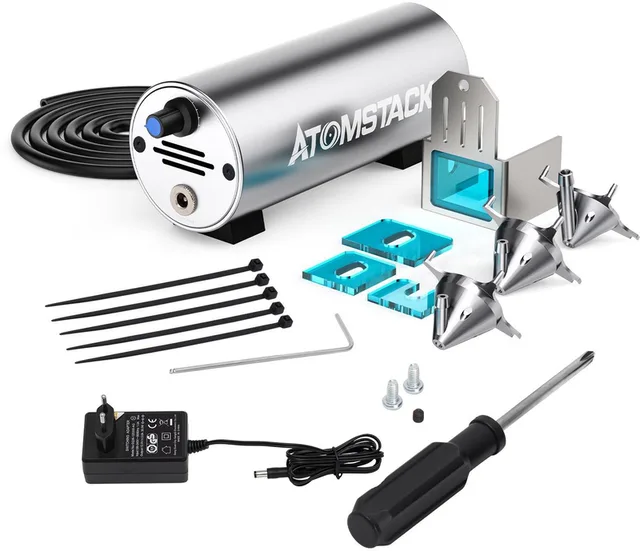
Air Assist Set
voor Lasergraveerder · Lasergraveermachine Accessoireset · 10-30 L/min Super Luchtstroom · voor Rook- en Stofverwijdering · Accessoires voor Laser Graveermachine - Longer
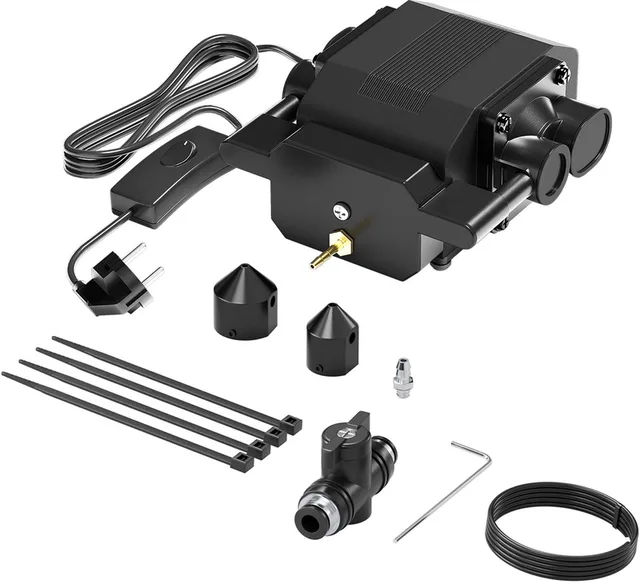
RAY5 Laser Air Assist Pump
Luchtondersteunende pomp · Compatibel met LONGER RAY5 · 5W - Sculpfun
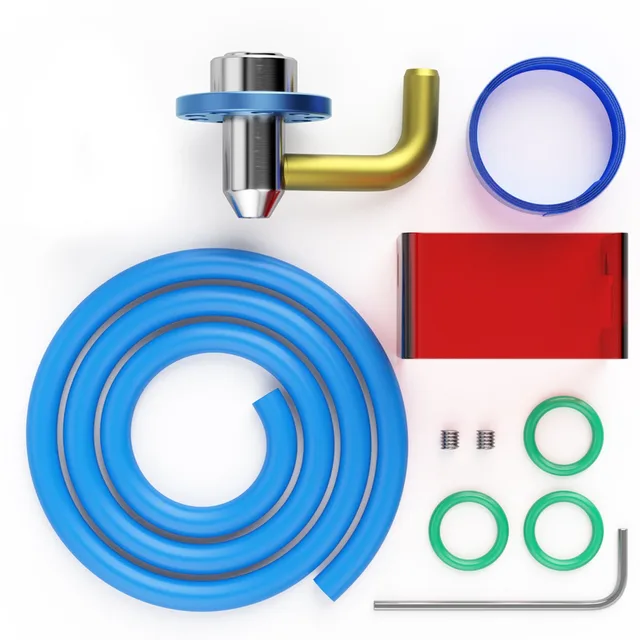
S9 Air Assist-mondstukset
hogesnelheids-Air-Asist -mondstuk · voor S9 Lasergraveermachines · S9 Air Assist Nozzle Kit
Safety and extraction
A laser is a dangerous device. This goes with every laser, even one inside a housing.
- Eye protection. The beam damages your retina, even when reflected. Wear laser eyewear that matches the wavelength of your laser (about 450 nm for a blue diode laser) and look at the optical density the eyewear states. Eyewear for a different laser is not safe.
- Laser class. Open diode lasers usually fall in class 4, the highest. A fully enclosed machine can be class 1 as long as the lid is closed, like the Creality A1C 10W, whose product name states class 1. The class is in the manual.
- Fire risk. Wood and cardboard can catch fire. Never let a laser run unattended, keep a fire blanket or extinguisher within reach and keep flammable things away. Stay until the material has cooled.
- Extraction. Cutting and engraving release smoke and fine particles. Vent the air outside with a hose and fan, or use a smoke filter with carbon and HEPA, like the xTool smoke purifier. A filter reduces smoke and smell but does not solve everything: follow what the maker of your machine and filter says. Work in a ventilated room.
- Supervision and children. Keep children and pets out of the room and never leave the laser on when you walk away.
Read your machine's manual. It has the manufacturer's safety instructions.
Extraction
- xTool
desktop rookafzuiger
- Creality
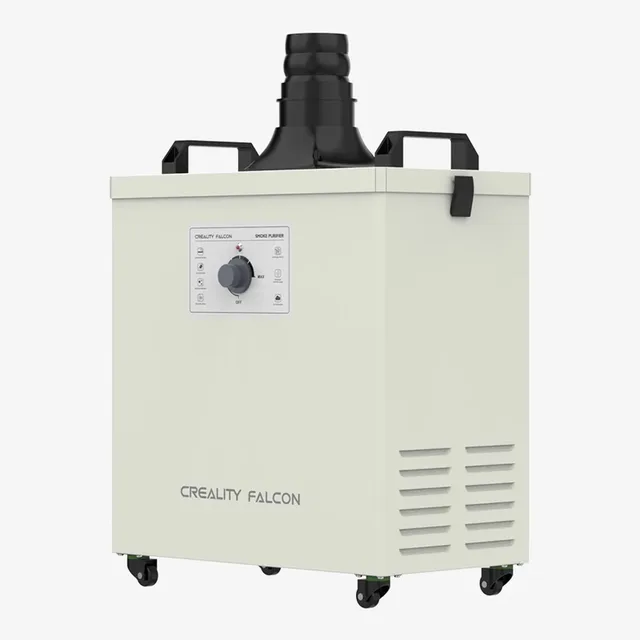
Smoke Purifier
Falcon2 Pro · Rookzuivering voor Lasergraveermachine · 3-laags HEPA & Actief Koolstoffilter · 99,97% Zuiveringsgraad · Geluidsarm <55dB - Creality
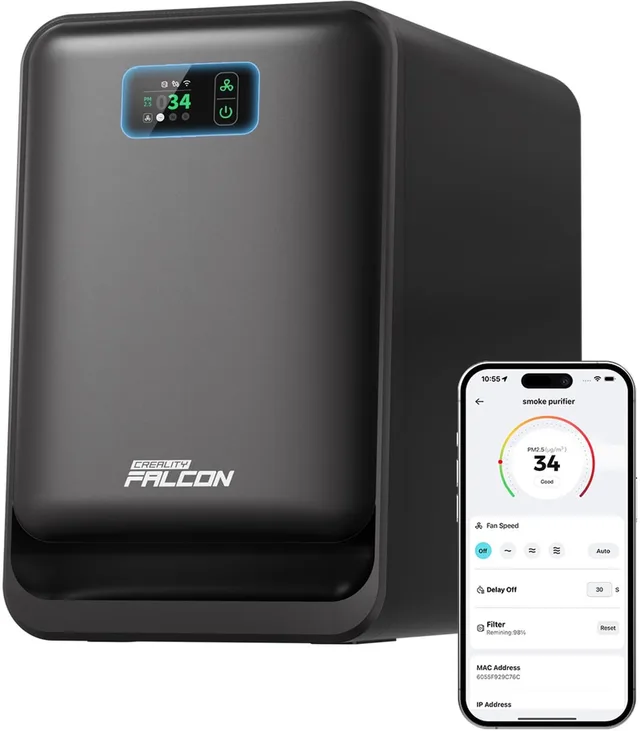
AP1 Smoke Purifier
Rookafzuiger voor Falcon A1 of Pro Series Laser Graveermachine · 360° Luchtstroom · WiFi-gestuurd · Real-time PM2.5 Monitor voor Schone Lucht · Accessoires voor lasergraveermachines
Enclosed lasers (class 1 with the lid closed)
- Creality
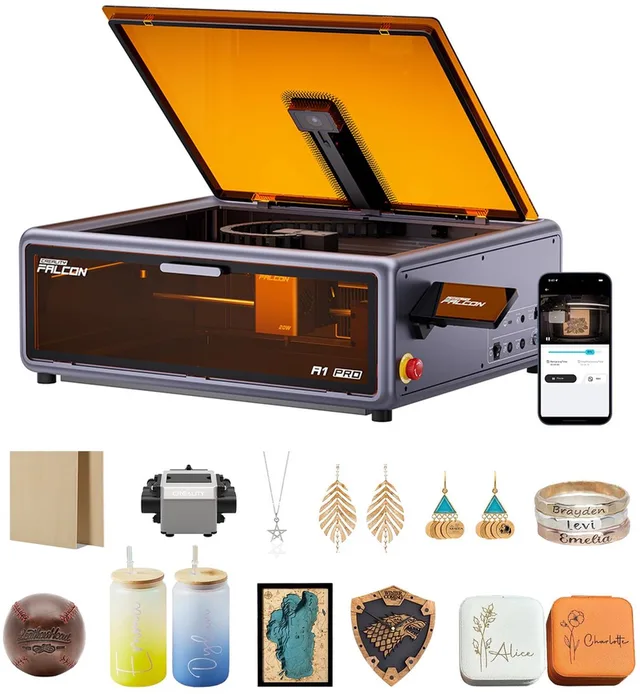
A1 Pro 20W Laser Graveermachine
Full Enclosed Lasergraveermachine met Air Assist · Laser Cutter met Aanraakscherm · HD Smart Camera for Auto Focus · App-besturing · Pre-Assembled · Lasersnijmachine voor hout · Lasergraveerder - Sculpfun
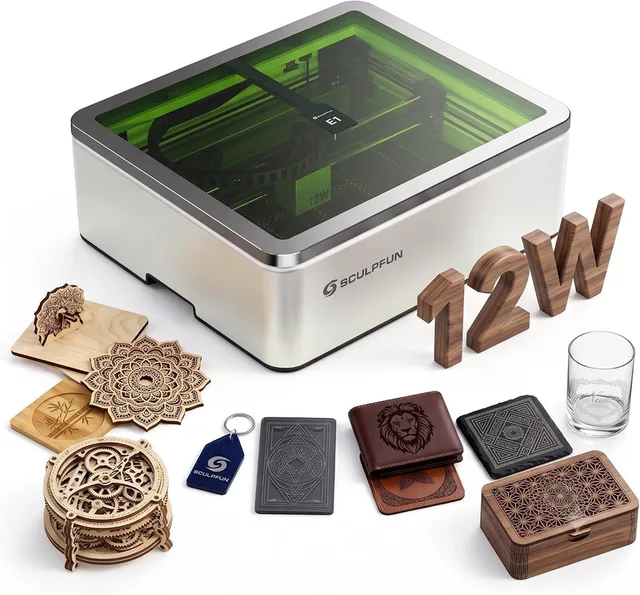
E1 12W Gesloten lasergraveermachine
400x320mm Graveren · Laser Graveermachine Inclusief HD-camera, Air Assist en honingraatplaat · Lasersnijmachine voor hout, metaal en acryl · Laser Cutter · Lasergraveerder - Creality
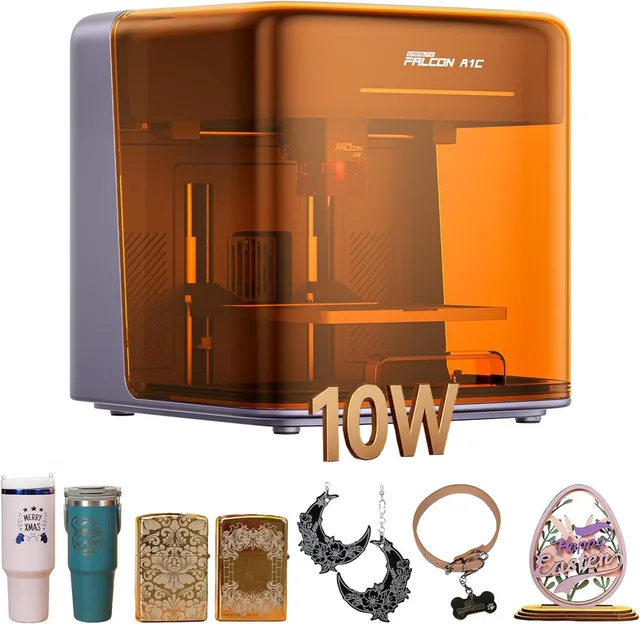
A1C 10W Laser Graveermachine
15x15 cm Graveren · Klasse 1 AI-lasergraveermachine met autofocus en camera · 15.000 mm/min · compatibel met 3 laserkoppen · Lasergraveerder · Lasersnijmachine voor hout, metaal, acryl en meer
Comparing on Nozzla
Prices differ per shop and change. For laser cutters and engravers you compare the same version across shops. Check which power and working area the version has, and whether air assist, a smoke filter or laser eyewear is included. A 10 W and a 20 W laser of the same model each have their own EAN.
Frequently asked questions
How many watts do I need to cut wood?
For thin 3 mm plywood, 10 W of optical power is a common start, in a few passes. With 20 W or more it goes faster and in fewer passes. Look at the manufacturer's table for the thickness it cuts in how many passes.
Can a diode laser cut or engrave metal?
It cannot cut metal. It cannot engrave bare metal either. Coated or anodised metal can be marked, and some metals with marking spray. For bare metal, a fiber laser or a 1064 nm infrared module is the usual choice.
Do I need laser eyewear if the laser is in a housing?
On a fully enclosed machine with a lid and interlock (class 1) the beam is shielded as long as the lid is closed. If you open the lid while it works, or work with an open machine, wear eyewear that matches the wavelength. Always follow the manual.
Keep looking
Nozzla doesn’t test machines itself. This guide sets out what manufacturers state.