Which 3D printer should you choose?
FDM or resin, large or compact, open or enclosed, one colour or several: how to choose a 3D printer that fits what you want to make.
Short answer: Choose the kind of printer first: FDM (filament) for most things you want to make at home, resin for small, fine detail. Then look at the build volume, whether you need an enclosure and whether you want more than one colour. If you are just starting, a ready-built printer with automatic bed levelling is the easiest.
A 3D printer builds an object layer by layer. How it does that, how big the object can be and which material you use differs by type. Below are the choices that matter most. Nozzla does not test printers; the facts come from what manufacturers state.
FDM or resin
An FDM printer melts plastic thread (filament) and pushes it out of a nozzle, layer by layer. This is the type most people mean by a 3D printer. Filament comes in many materials and colours, objects can be large and there is little post-processing.
A resin printer cures liquid resin with UV light. On the usual models that light shines through an LCD screen, so a whole layer cures at once. You get very fine detail and a smooth surface, which is why resin is popular for miniatures, jewellery and small models. The price is more work: a printed object has to be washed (in isopropyl alcohol, or in water for water-washable resin) and post-cured under UV light.
Resin irritates the skin and smells strongly. Manufacturers advise wearing nitrile gloves, working in a ventilated room and handling resin and waste as the safety data sheet says. Keep this in mind if you have children or pets at home or little room to ventilate.
Resin printers
- Elegoo
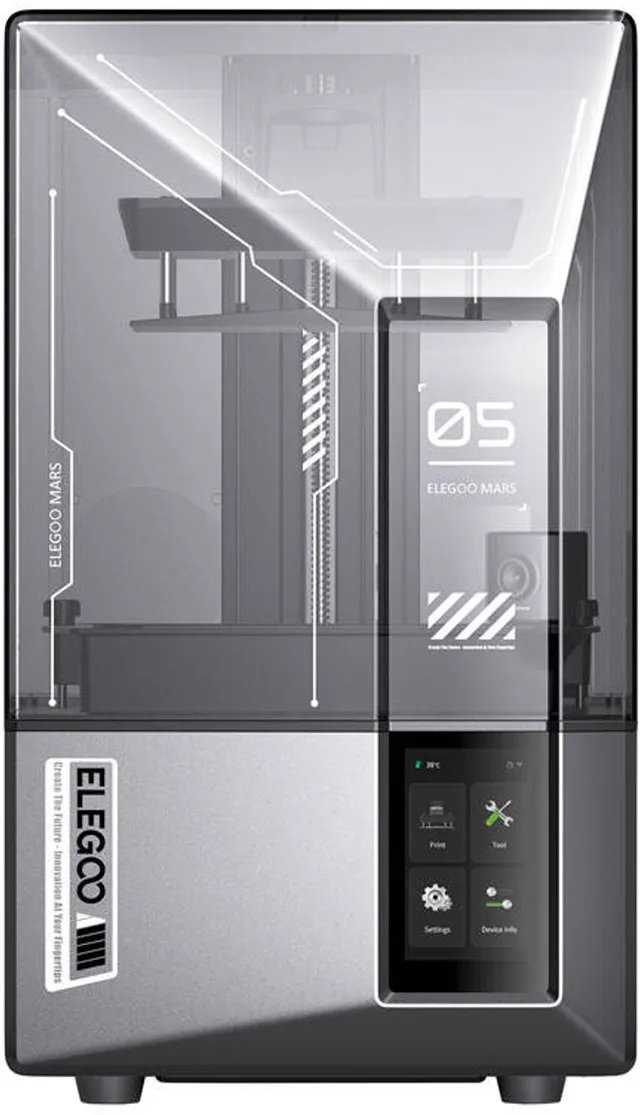
Mars 5 Ultra Resin 3D Printer
9K Mono LCD 8520x4320 · 150mm/h · Automatisch Nivelleren · AI Camera · WiFi · 153x78x165mm - Elegoo
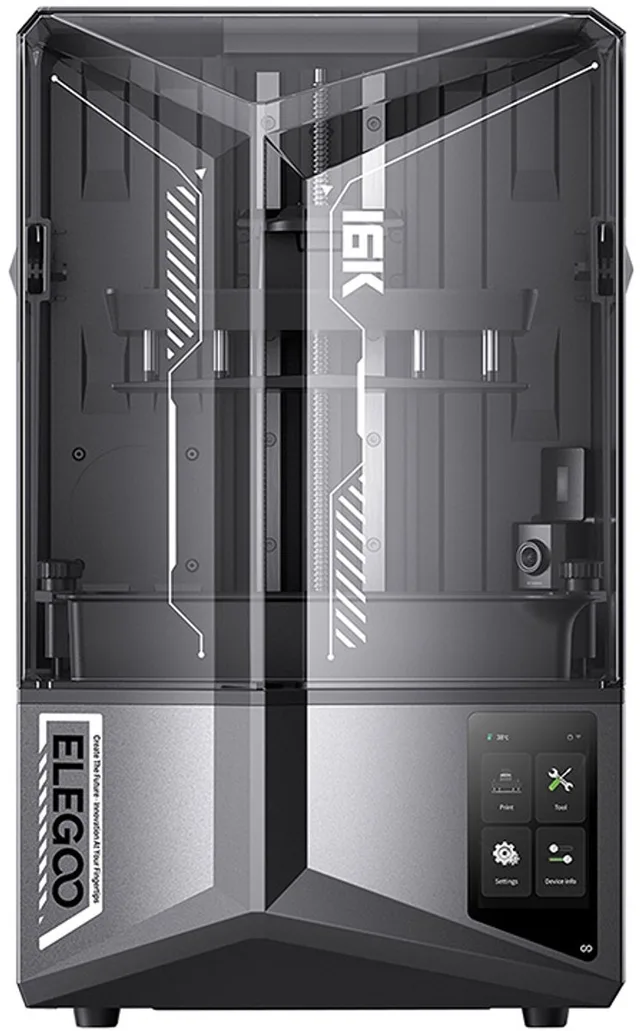
Saturn 4 Ultra 16K Resin 3D Printer
10" Mono LCD 14112x7936 · 150mm/h · Slimme Harsbak Verwarming 30°C · Automatisch Nivelleren · AI Camera · WiFi · 211x118x220mm - Anycubic
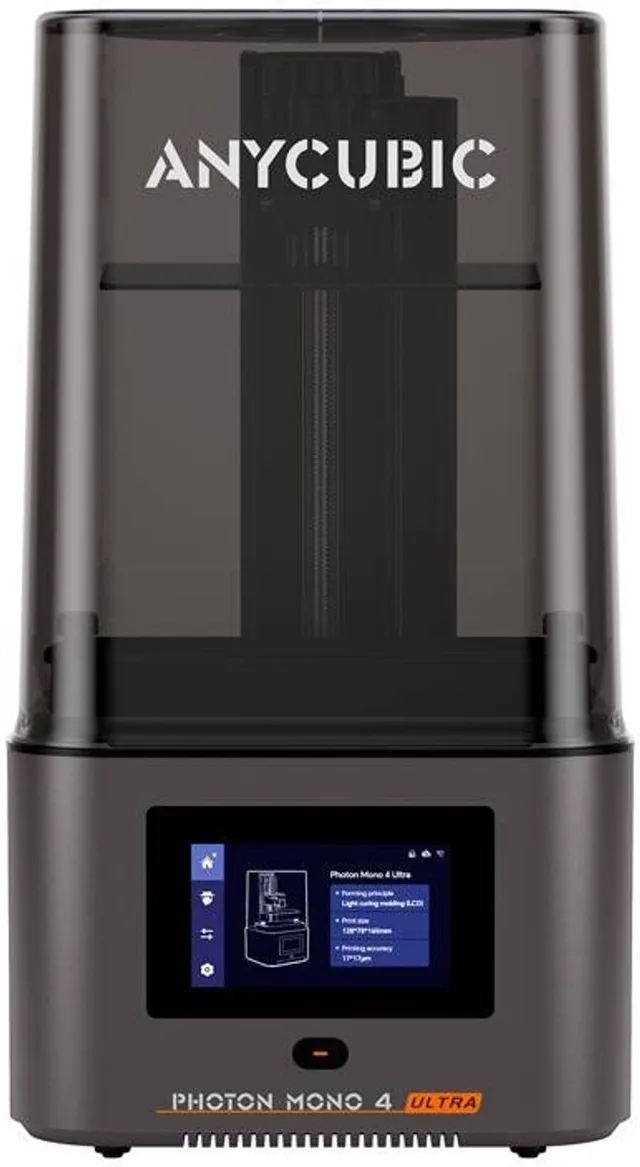
Photon Mono 4 Ultra 10K Resin 3D Printer
7" LCD, 120mm/h
Build volume
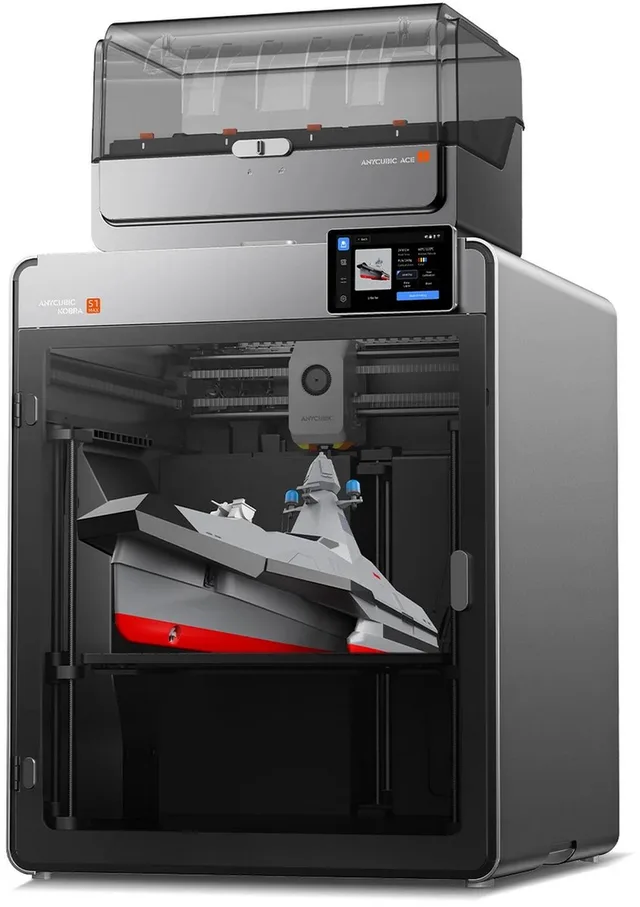
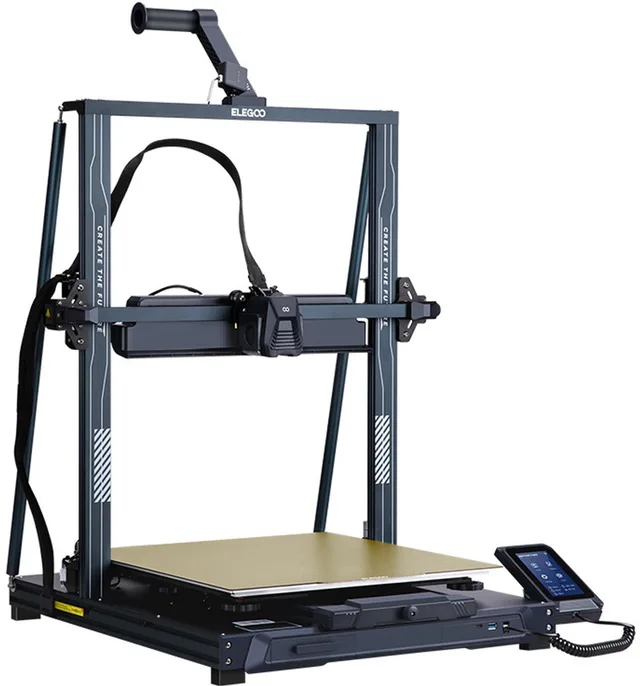
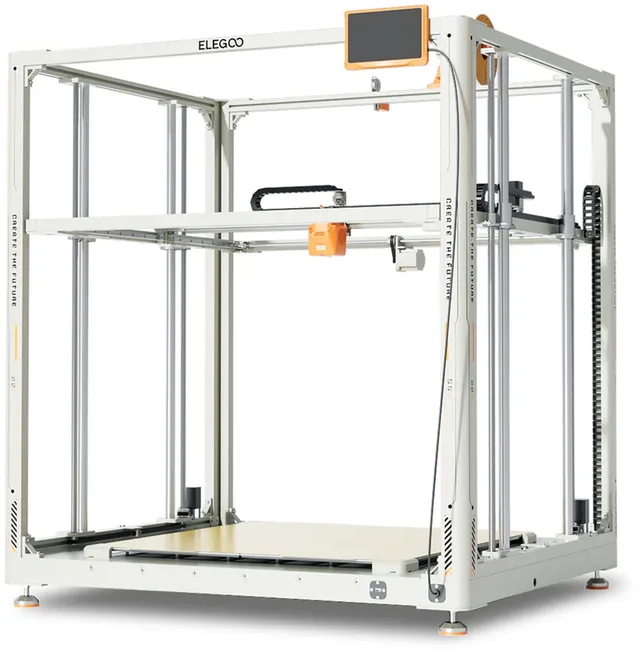
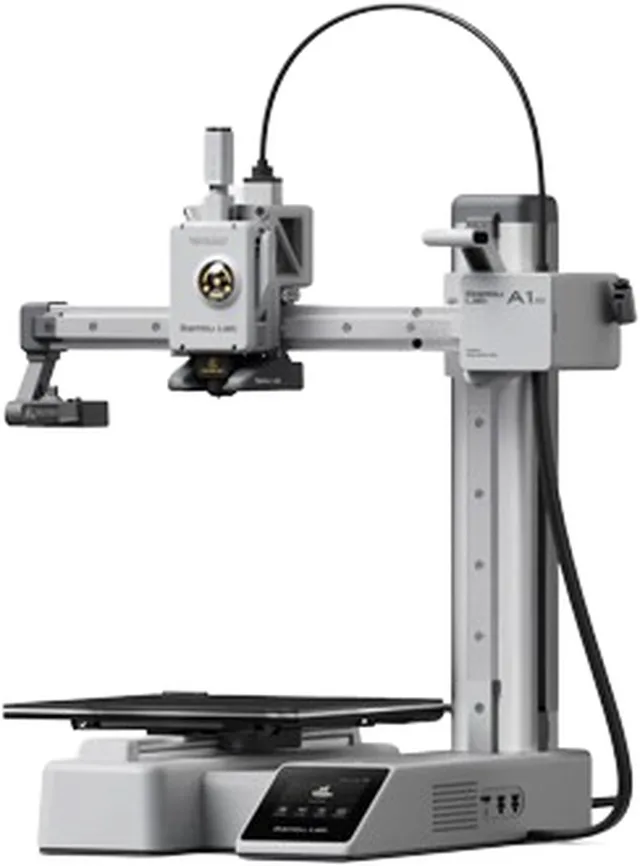
The build volume is the space an object has to fit in, as length × width × height in millimetres. Manufacturers state it, often in the product name too. Compact FDM printers have about 180 mm in each direction, like the Bambu Lab A1 mini with 180 × 180 × 180 mm. Many home printers are around 220 to 256 mm, and large models go to 350 mm or more, like the Anycubic Kobra S1 Max Combo with 350 × 350 × 350 mm.
A bigger volume is not automatically better. The printer gets larger, heavier and more expensive, and a large print uses a lot of filament and many hours. Ask yourself what the biggest object is that you want to make. Smaller parts can often be printed in pieces and glued.
Resin printers have much smaller build volumes. The Elegoo Mars 5 Ultra lists 153 × 78 × 165 mm and the Elegoo Saturn 4 Ultra 16K 211 × 118 × 220 mm. A large volume is rare there, and it is not what resin is good at.
Open or enclosed
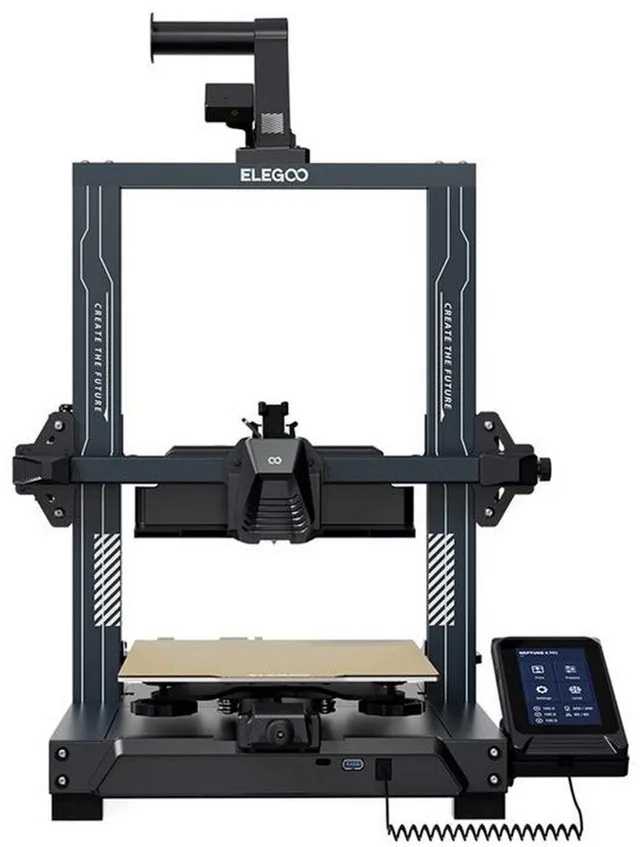
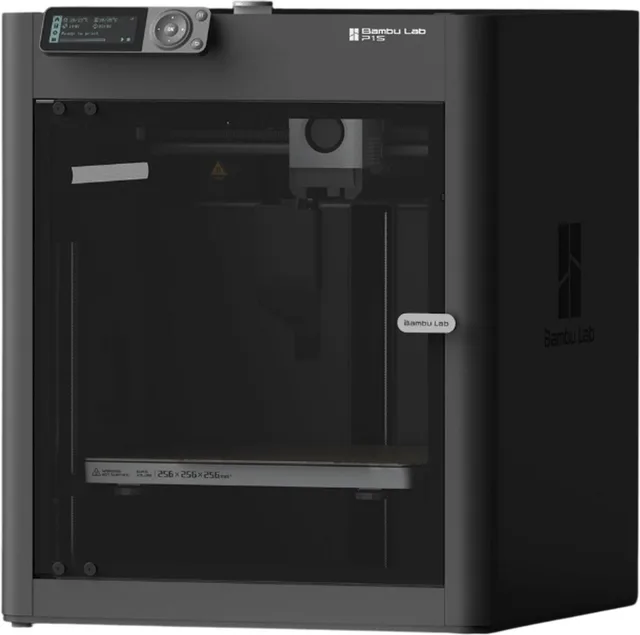
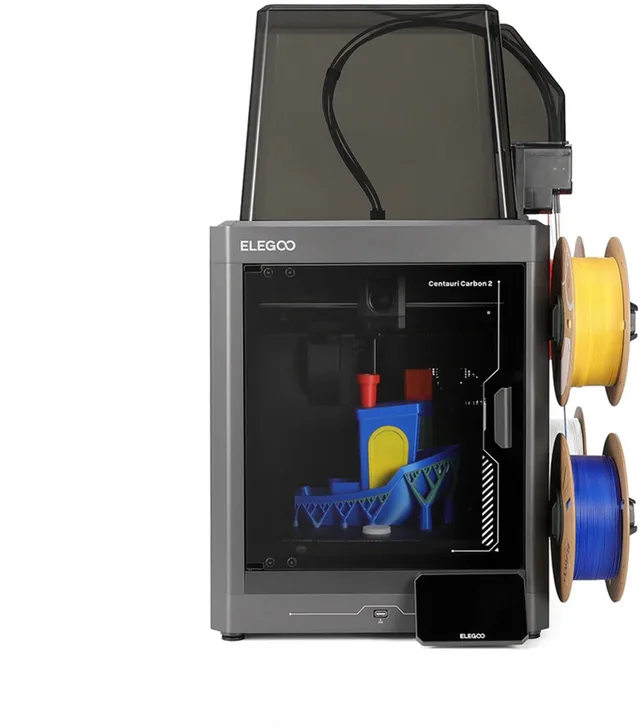
An open printer has no walls or lid. It is cheaper and you can see and reach everything easily. An enclosed printer has a hood or housing, such as the Bambu Lab P1S or the Elegoo Centauri Carbon 2.
The enclosure keeps the heat in and protects against draughts. That helps with materials that warp or lift as they cool, like ABS and ASA. It also keeps hands, children and pets away from moving parts and dampens the noise a little.
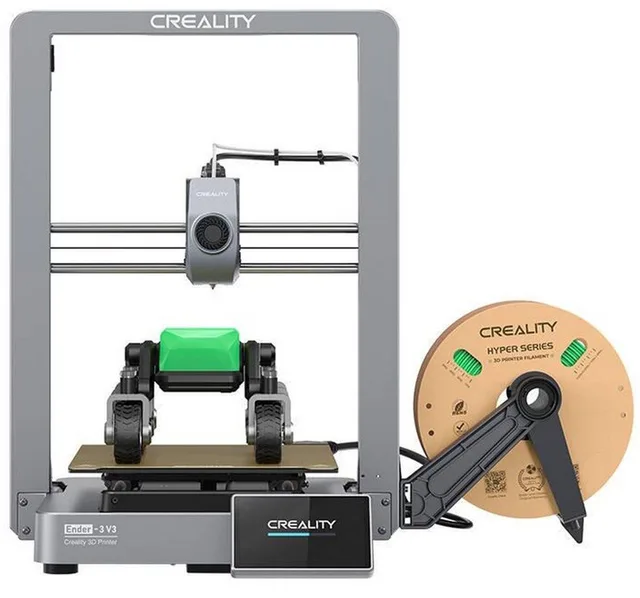
There is a downside too. With PLA a warm chamber can cause problems, because the filament softens too early. Manufacturers sometimes advise opening the lid or leaving the door open for PLA. And an enclosure does not remove the fumes of ABS and ASA by itself: put the printer in a ventilated room. For some open printers a separate cover exists, like the enclosure for the Ender-3 V3 SE.
More than one colour
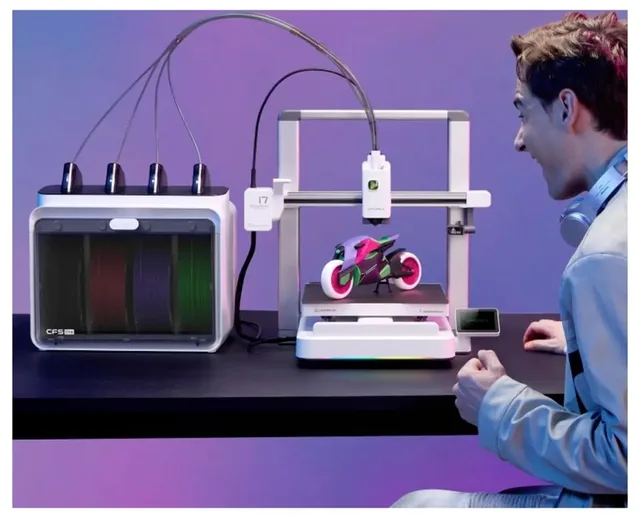
A standard printer prints with one filament at a time. For several colours there are systems that change spools automatically. Bambu Lab has the AMS and a lighter AMS lite for the A1 series, Creality the CFS, Anycubic the ACE Pro and Prusa the MMU3. Some printers, like the Flashforge Creator 5, have four toolheads instead of a changing system.
More colours means more waste and more time. When the colour changes, the old colour has to be purged from the nozzle, and you either throw that away or print it into a block. A toolchanger with several print heads wastes less.
Watch the name: a Combo is usually the printer together with the multi-colour system, like the Bambu Lab A1 Combo with AMS lite. The bare printer and the Combo each have their own EAN. Nozzla compares per version, so you never compare the price of one with the other.
Printers for several colours
- Bambu Lab
A1 Combo
- Anycubic
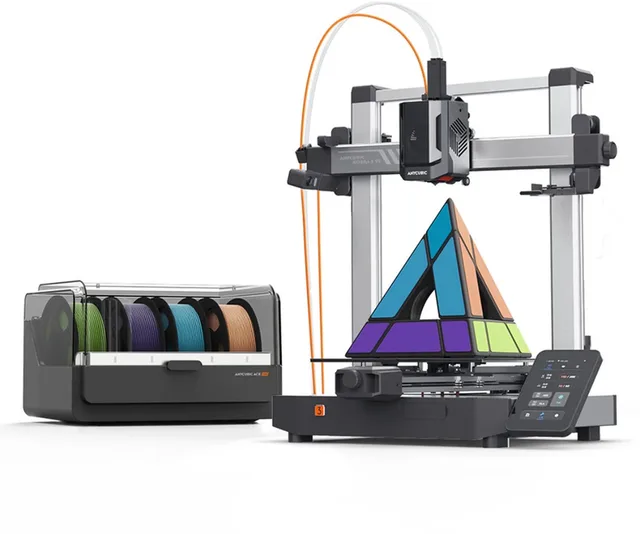
Kobra 3 V2 Combo 3D Printer
4/8-Kleuren ACE Pro Multicolor · 600 mm/s Snelheid · LeviQ 3.0 Auto-Leveling · 255×255×260 mm Bouwvolume · Vibratiecompensatie · 720p Camera · Direct Printklaar - Creality
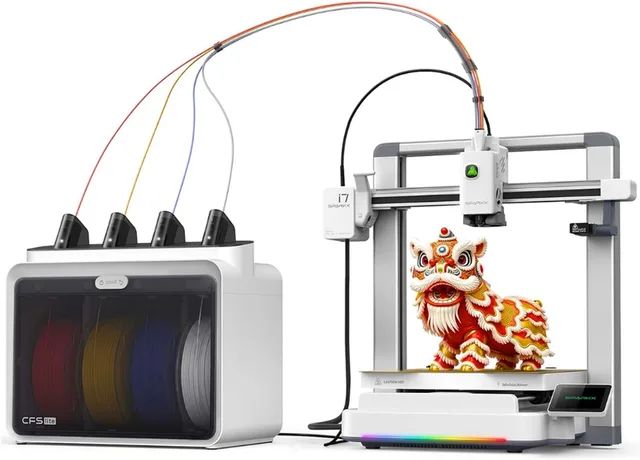
SPARKX i7 Color Combo 3D-printer
met CFS Lite · Multicolor · 4 kleuren · Printfout Detectie · Wifi · AI-camera · 500 mm/s Printsnelheid
Materials: PLA, PETG, ABS and TPU
Most printers run on a handful of materials. The type decides what you can make.
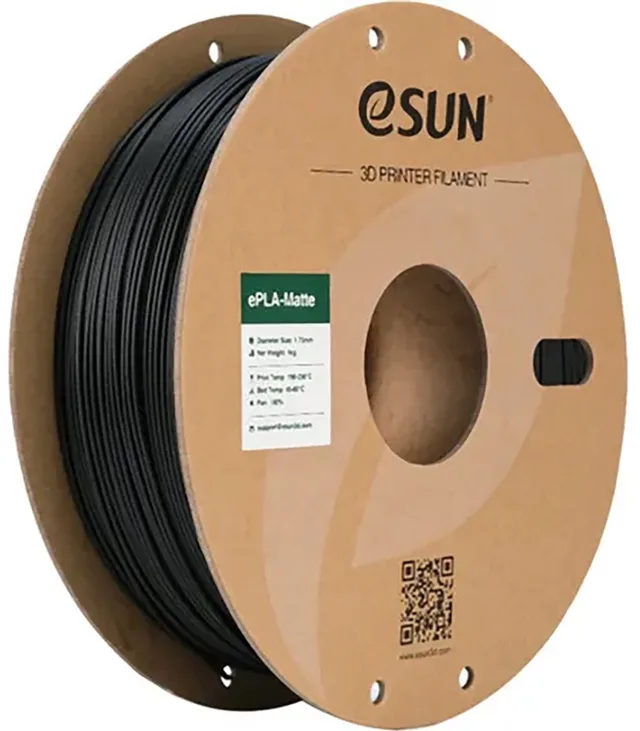
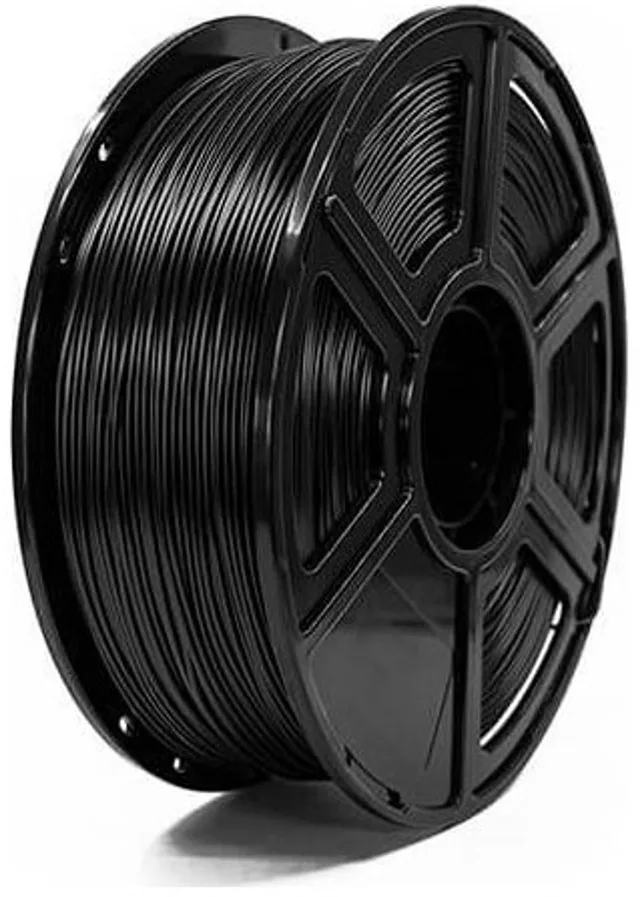
- PLA is the easiest filament. It melts at a low temperature, warps little and gives good-looking prints. It is not suited to warm places, like a car in the sun, because it softens.
- PETG is tougher than PLA and copes better with heat and moisture. It strings more easily between parts of a print, so it needs a bit more tuning.
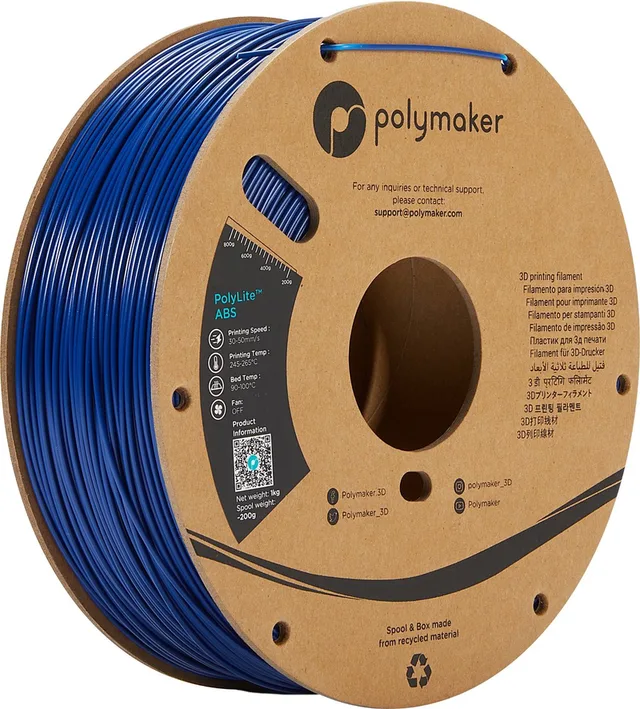
- ABS and ASA are strong and heat-resistant, and ASA is also UV-resistant, which suits outdoor use. They warp a lot as they cool, so an enclosed printer is advisable. The fumes are unpleasant, so ventilate.
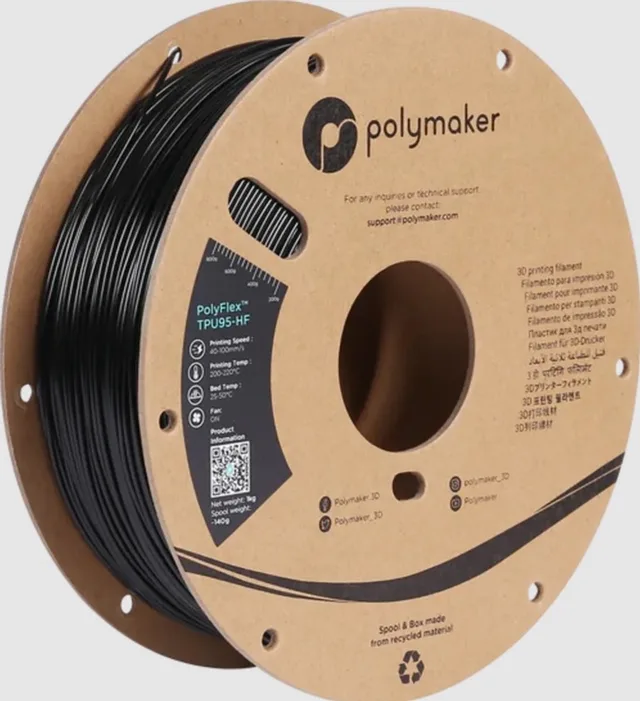
- TPU is flexible, like rubber. It prints slower. Many manufacturers advise a printer with a direct-drive extruder, where the extruder sits close to the nozzle.
Filament absorbs moisture, especially PETG, TPU and nylon. Damp filament gives bubbles and strings in your print. A filament dryer solves that. Filaments filled with carbon or glass fibre need a hardened steel nozzle, because they wear a brass nozzle quickly.
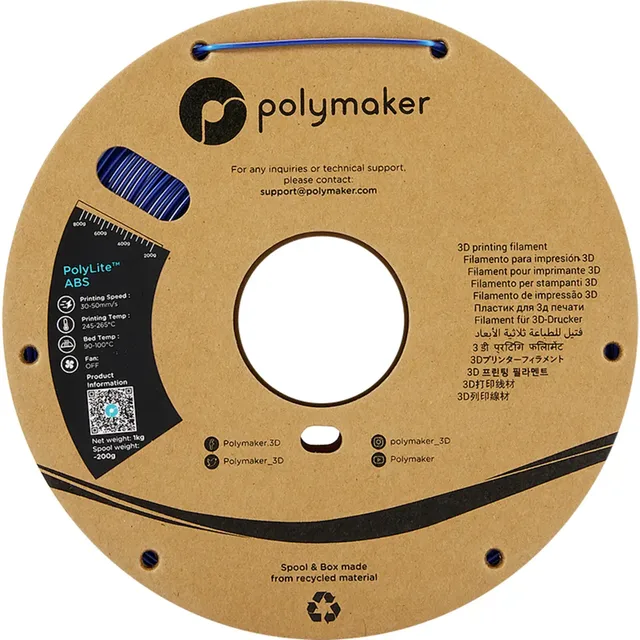
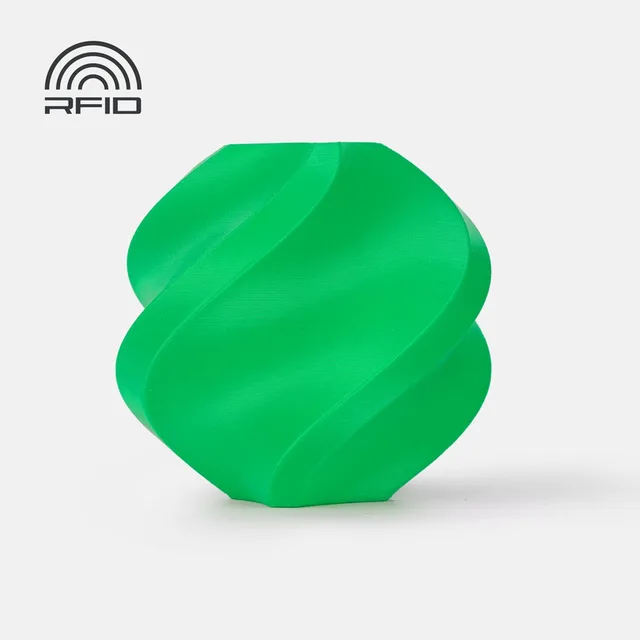
PLA, PETG and TPU
Beginner or advanced
For a beginner, ease counts. Look for a printer that is ready-built or quick to assemble, levels the bed automatically, has a clear menu or app and has parts and help easy to find. Slicers, the programs that turn your model into print instructions, are free. Widely used ones are Bambu Studio, OrcaSlicer, PrusaSlicer and Cura.
Advanced users look more at speed, enclosed heated chambers for technical materials, larger volumes and tinkering, such as custom firmware like Klipper. High speeds are possible, but they need tuning.
Also count what comes after the printer: filament, a spare nozzle or build plate, a dryer. Many manufacturers advise not leaving a printer running unattended, especially at high temperatures.
Comparing prices on Nozzla
Prices differ per shop and change. For 3D printers and resin printers you compare the same version across shops, with and without a multi-colour system kept apart. Check what is in the box.
Frequently asked questions
Which is better, FDM or resin?
It depends on what you make. FDM suits most things: everyday objects, parts, larger models. Resin suits small objects with a lot of detail, such as miniatures, in return for more post-processing and care with the resin.
Do I need an enclosed printer?
Not for PLA. For ABS, ASA and other materials that warp, an enclosure is a big advantage. An enclosed printer is also an option if you want to dampen noise or keep people away from moving parts.
What build volume do I need?
Look at the biggest object you want to make. Around 220 to 256 mm is enough for most things at home. If something does not fit, you can often print it in pieces and glue them.
Keep looking
Nozzla doesn’t test machines itself. This guide sets out what manufacturers state.